
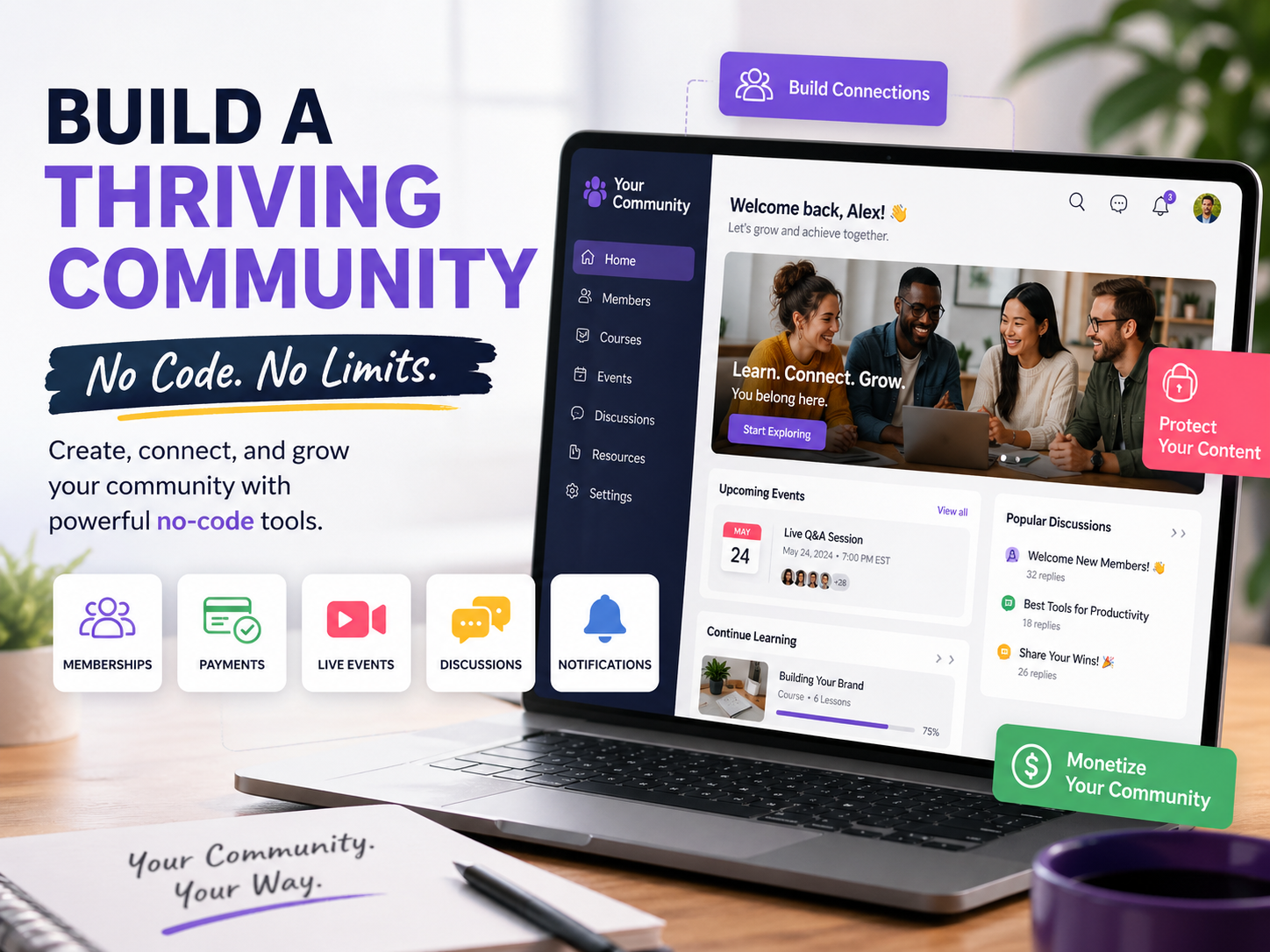
Building modern connections is a human instinct. If you are a small business owner, an online educator, or a fan group leader, a community website will help you gather all your followers and customers in one place to keep discussions and updates.
Best of all, you do not have to write code to make one.
No-code tools have democratized website building. Without a single line of code, anyone can create a website or membership site. Without any tech skills or stress, you can build a clean space for your community to thrive.
What Is a No-Code Community Site?
A no-code community site is a website you build using tools that handle all the technical stuff for you. You pick a layout that fits your goal. Next, you add your brand colors. After that,t you build your pages. Then you publish and go live. It feels like working with Lego blocks. Each piece clicks into place. Soon, the site takes shape.
These tools also let you:
- Gate content so only paying members can see it
- Collect monthly payments from members
- Host live events and online courses
- Add member profiles and chat spaces
- Send out alerts to keep people engaged
You get all of that without touching a line of code.
Who Should Build One?
Honestly, a lot of people can benefit from this. You might want a no-code community site if:
- You have followers and want a real home for them
- You teach something and want to host courses online
- You run an offline group and need a digital space
- You’re tired of fighting social media for attention
- You want a steady, monthly income from memberships
If any of those sound like you, keep reading.
How to Build Your Community Site
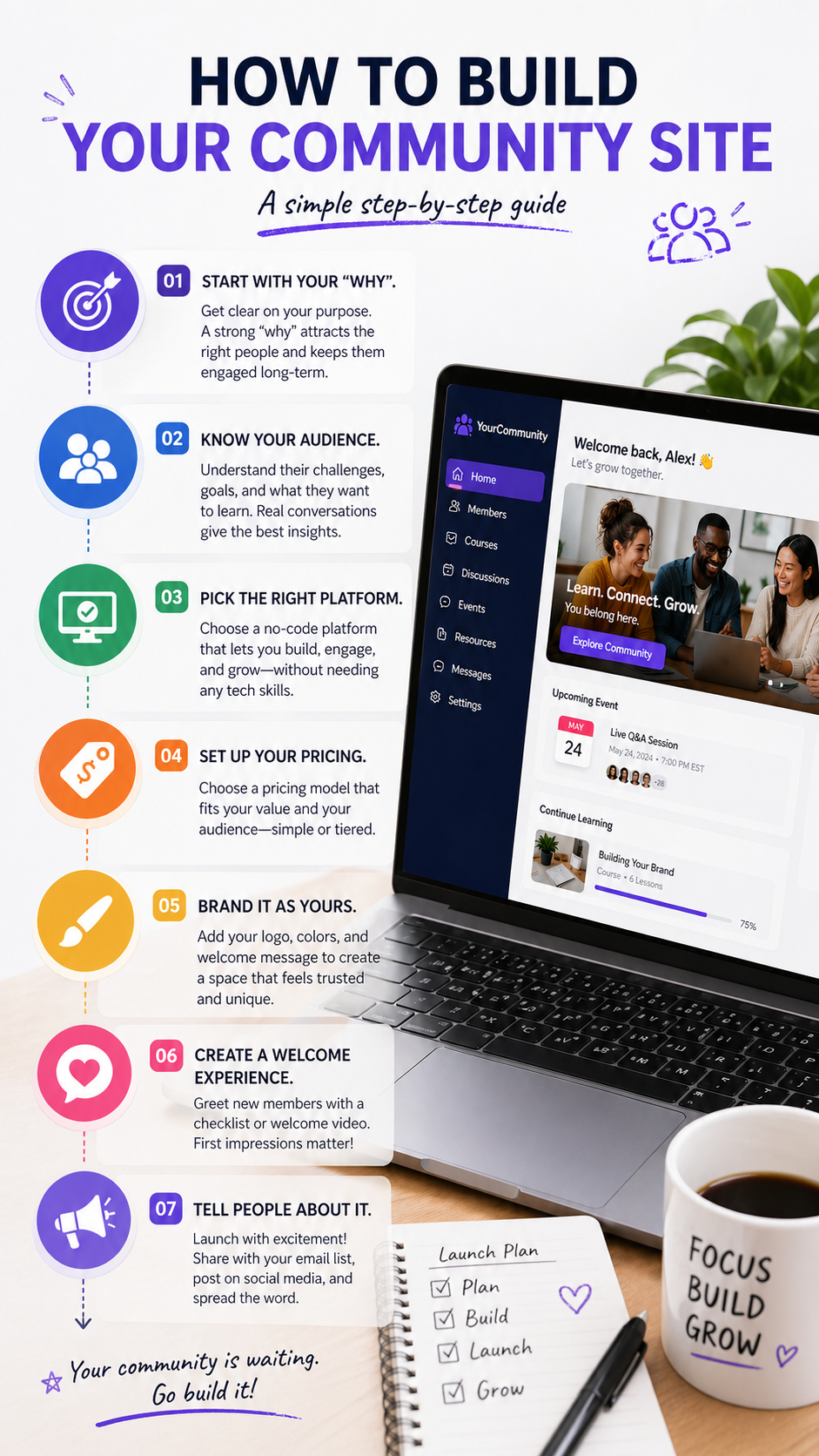
Start with your “why.”
Before you touch any tool, you need to get clear on your purpose. Why does this community exist? What do people get from joining? A strong “why” pulls in the right people. It also keeps them around long-term.
Know your audience.
You also need to get clear on who you want to reach. What do they struggle with? What do they want to learn or become? Talk to a few of them if you can. Real talks give you far better answers than any guesswork.
Pick the right platform.
There are many no-code platforms, and they’re not all the same. Look for one that lets you:
- Charge for memberships or courses
- Add your own logo and brand colors
- Build a proper landing page
- Give members profiles and a way to message each other
- Work on both web and mobile devices
Some platforms also come with built-in AI tools to help kick off chats and keep members active. That’s a bonus worth looking for.
Set up your pricing.
A pricing model can be a single monthly charge, or you can establish pricing tiers. A simple model, like a flat fe,e is simple. Everyone pays the same and gets the same access. Tiered pricing splits it into levels. There is priced access to the basics, and higher-priced access to extra content. Decide what your market will respond to the best.
Brand it as yours.
By personalizing the space with your company logo, color scheme, and a customized welcome message, it becomes a much more trustworthy site. Your customers will feel that they are visiting a unique, custom-designed site, rather than a generic, cookie-cutter template.
Create a welcome experience.
Set up a short checklist or a welcome video for new members. First impressions stick. A warm welcome keeps people around longer and gets them engaged right away.
Tell people about it.
Launch day matters. Tell your email list. Post on social media. Text a few friends. Word gets around fast when people value what you have built.
The Bottom Line
Community websites used to cost lots of time and money to build. Now you can build one in just a weekend, and you don’t need any coding skills. All the tools are available. Now it’s time to get started.
Your audience is waiting. Create a space for them.