
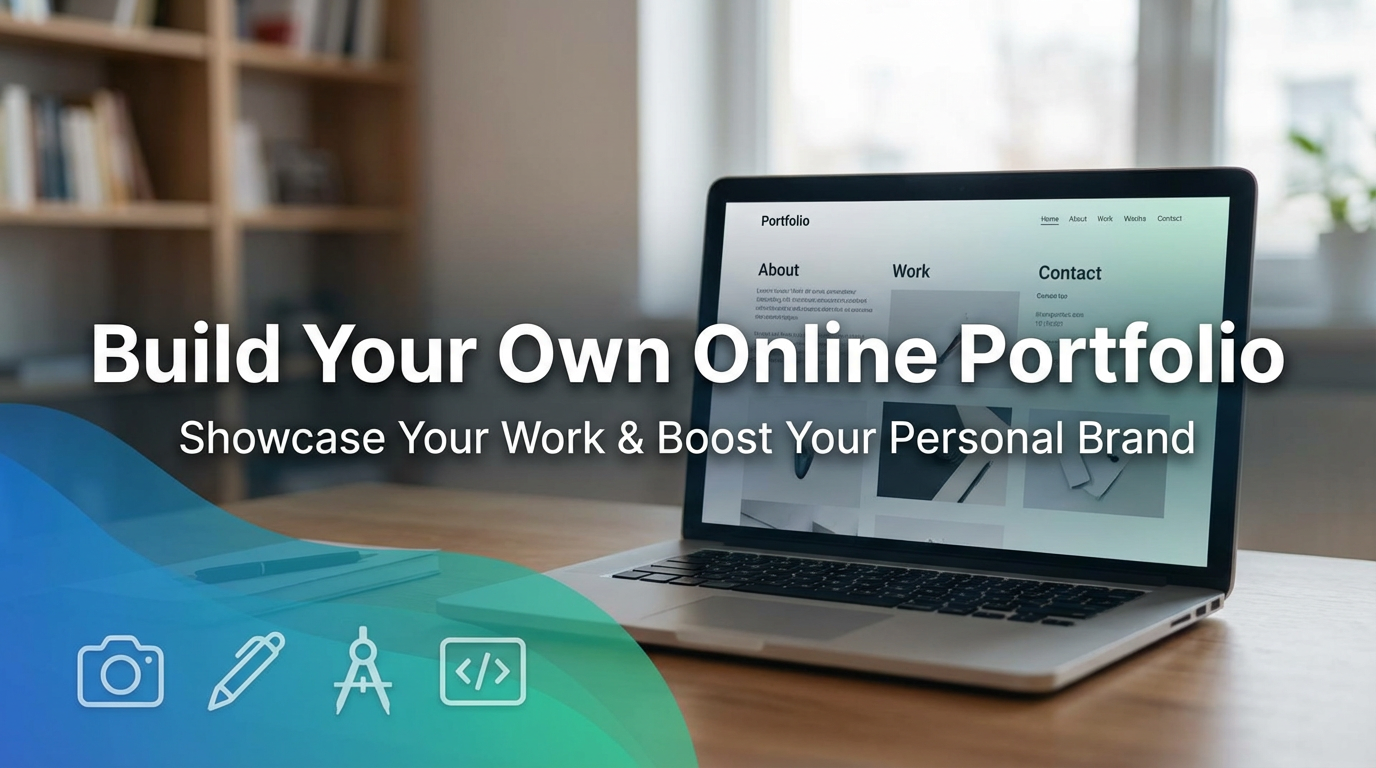
Google yourself and see what shows up. Those results shape how people size you up before you ever say hi. Like it or not, you already have a personal brand online. So you can steer that story. Or you can let it run on its own.
A personal website puts you in the driver’s seat. It’s your digital home, and this is the place where your first impressions land.
In this guide, you’ll learn why a portfolio site can help you. You’ll also get to learn how to plan it. Then you’ll build it without coding skills. And you will also learn how to keep it fresh and useful.
Why Create Your Own Portfolio Website?
A personal portfolio gives you control over that discovery process. It creates a single hub for all your work, accomplishments, writing, and projects.
LinkedIn feels too rigid with its fixed layout and lacks personality. Platforms like Behance work great for visual artists, but don’t handle writing or mixed media well. But your own site can break these limitations.
Don’t think that you are over-promoting yourself by having a portfolio website. This is a must-have in this competitive world. You need to get your hard work noticed. People need to see what you can do if you are planning to get ahead.
Set Clear Goals For Your Site
First, you need to determine what your site needs to accomplish. It could be job offers, freelance clients, networking connections, or simply proof of your skills. You need to pick one main goal only and don’t try to do everything.
A focused site works better than a scattered one. Every page should connect back to your main purpose. You can ask yourself, “Does this help me reach my goal?” If not, leave it out.
Plan Before You Build
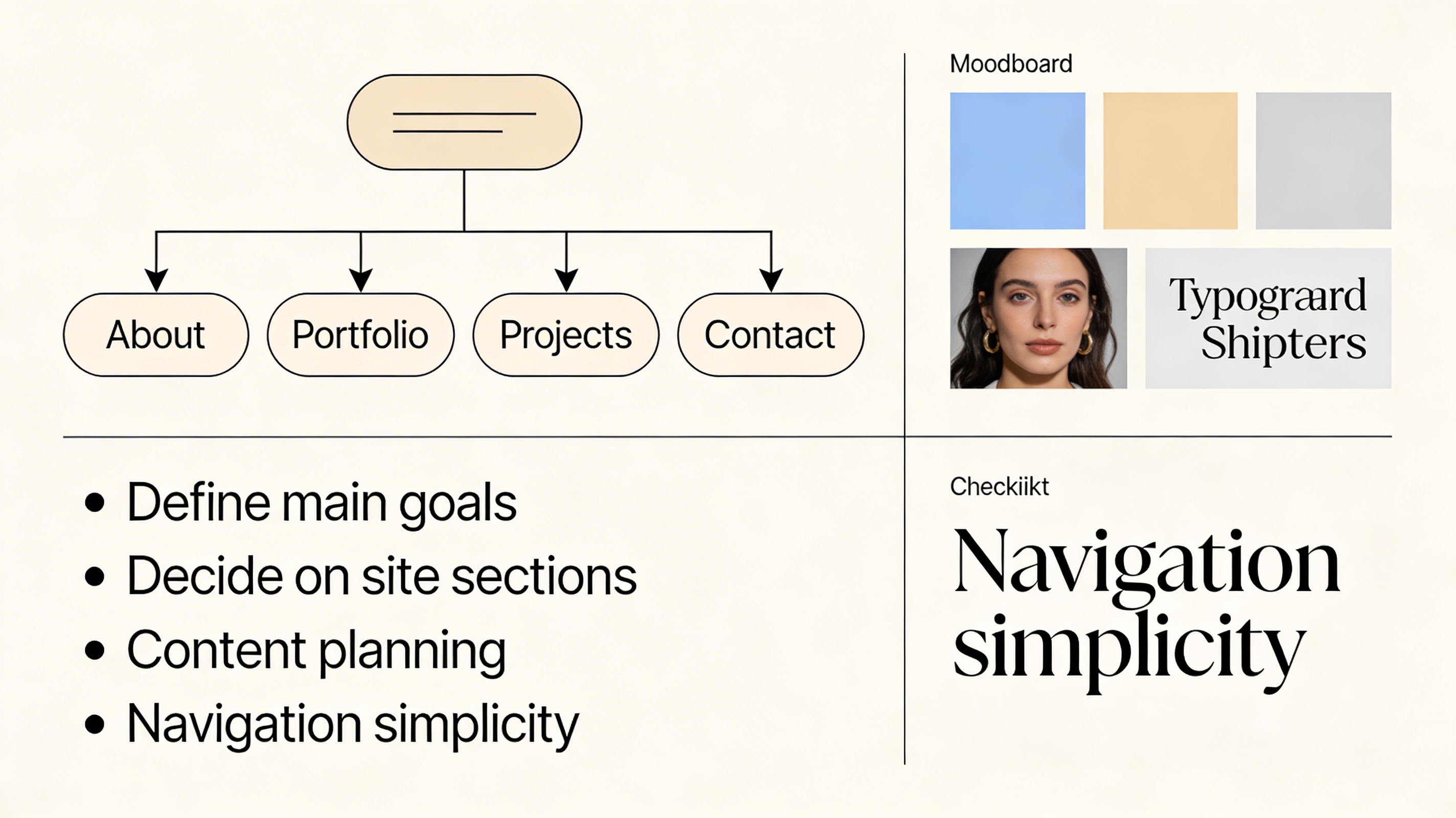
Structure and Layout
Decide on your main sections first. Most portfolios include About, Work/Portfolio, Projects, and Contact pages. Keep navigation simple so visitors can find what they need in seconds, not minutes.
Brand and Design
Choose colors, fonts, and spacing that match the feel you want people to remember. If you are not a designer, stick to clean, simple layouts.
Content Planning
List what you’ll include – your best work, key projects, case studies, and lessons learned. Also, decide what to leave out. Too much information can create noise that hides your best work.
Getting Found
You also need to plan how people will discover your site. You need to link it from social profiles and apply basic SEO best practices. Another trick is to add your site to your email signature. These make it easy for others to share.
Gather Inspiration (Without Copying)
Starting from nothing is much tougher, so start with examples. Identify 20 to 40 websites you enjoy and save screenshots of each. Take a moment to note what stands out on each one.
Please put those examples into a quick mood board. Look for patterns in layouts, navigation styles, and call-to-action buttons. Pick one “anchor” site that feels close to what you want.
Build Without Coding
You don’t need coding skills to create an amazing site. There are many drag-and-drop website builders available today. They make it easy to build a professional product in days, not months.
Start by buying a domain name – yourname.com works well. Connect it to your chosen website builder. Build your core pages first, then add extras like email capture forms later.
Tools to check out include Weebly, Wix, or Squarespace for building, Hover or GoDaddy for domains, and Canva for graphics. Most sites cost under $15 monthly to maintain.
Launch It and Then Keep It Alive
Launch your site once it covers the basics, and then improve over time.
But launching is not the end in itself; dead sites can damage your reputation. You also need to set a monthly reminder to add new work, update your info, and refresh content. When you finish a project, you need to add it right away.
Old or outdated sites can signal that you’ve given up or moved on. A current site signals to visitors that you’re active, engaged, and worth connecting with.